
Download Red Ex – red eye removal, photo editing, smartphone, Android, utility, tool, digital photography, quick fix, easy fix, mobile app
Overview
Red Ex is a specialized mobile application designed to simplify one of the most common issues in digital photography: red eye. This tool targets users who frequently capture photos with flash, particularly in low-light environments, where red eye artifacts are prevalent. By focusing on a single, specific task, Red Ex eliminates the need for complex photo editing software, offering a lightweight and efficient solution. The app is ideal for casual photographers, social media users, and anyone who wants to quickly enhance their images without technical expertise.
Its core purpose is to remove red eye from digital photographs with minimal effort. The app addresses the frustration of distorted or unflattering facial features in photos, helping users preserve the authenticity and emotional impact of their memories. Red Ex is particularly valuable in personal and family photo sharing, where image quality can influence perception and sentiment.
Although the developer did not provide additional background information, the app’s longevity since its release in 2011 suggests a stable and reliable service. The simplicity of its design and function indicates a focus on usability over feature bloat. Red Ex fits into the broader mobile productivity ecosystem by offering a niche yet essential utility for smartphone users.
Real-world use cases include editing photos taken at events, family gatherings, or travel, where flash photography is common. The app’s straightforward functionality makes it a practical tool for users seeking immediate, professional-grade results without the learning curve of advanced editing tools.
Key Features & Functionality
- User-Friendly Interface: The app features a clean, intuitive layout that allows users to access core tools without confusion. Even individuals with no prior experience in photo editing can navigate the app with ease, making it accessible to a broad audience.
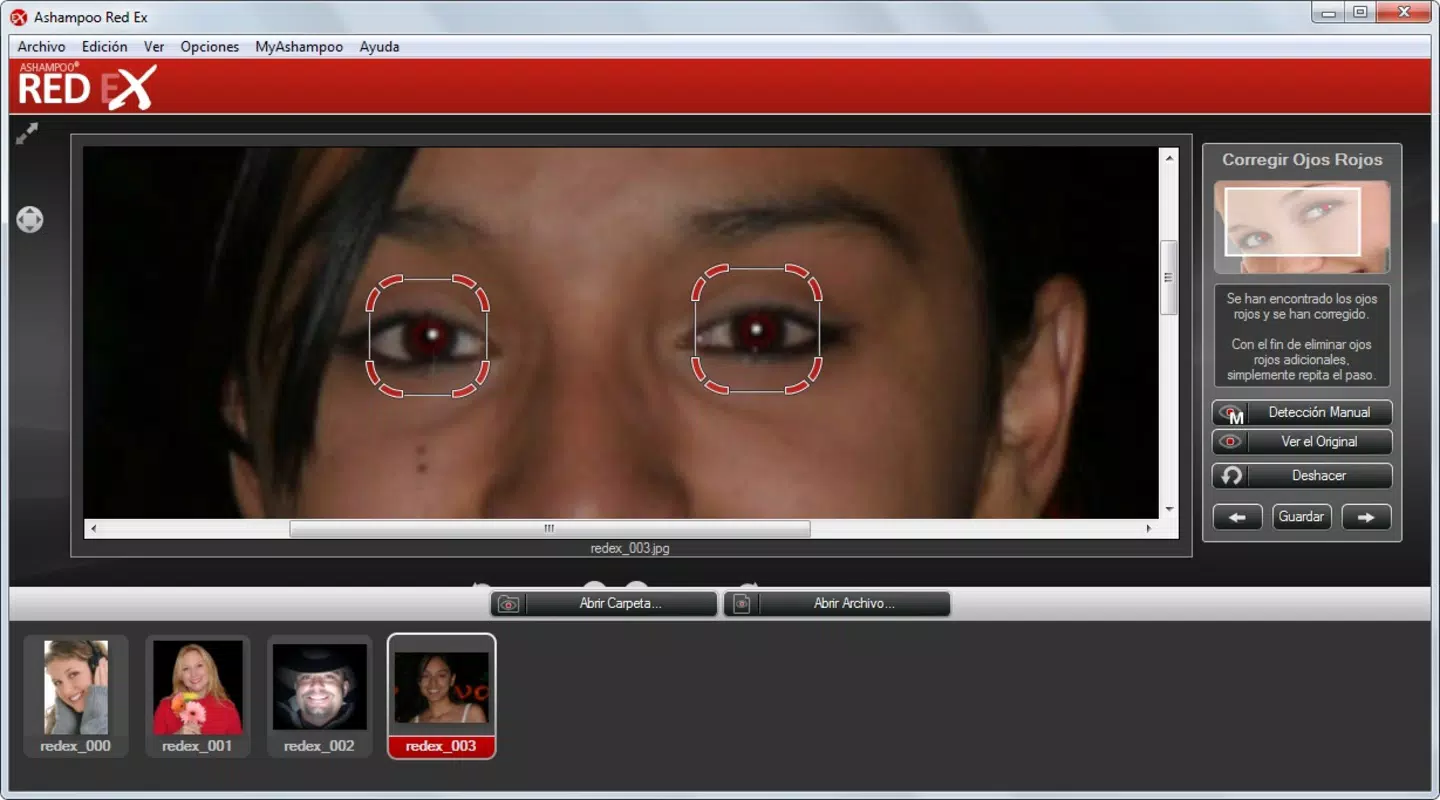
- Quick Red Eye Removal: Users can correct red eye by placing a rectangle over the affected eye area. The app processes the correction within seconds, minimizing wait time and streamlining the editing workflow.
- High-Quality Results: Despite its simplicity, Red Ex delivers natural-looking corrections. The app effectively restores eye color to a realistic tone, preserving facial symmetry and avoiding over-processing artifacts.
- No Technical Skills Needed: The app eliminates the need for advanced editing knowledge. Users do not need to understand layers, masks, or color grading—only a basic understanding of touch-based interaction is required.
- Lightweight Design: At just 1.5 MB, Red Ex consumes minimal storage space, making it suitable for older devices or users with limited memory capacity.
For example, a parent editing a child’s birthday photo can use Red Ex to fix red eye in under 10 seconds, ensuring the image looks natural before sharing on social media. Similarly, a traveler reviewing photos from a night event can quickly enhance portraits without needing to transfer files to a computer.
Interface, UX & Performance
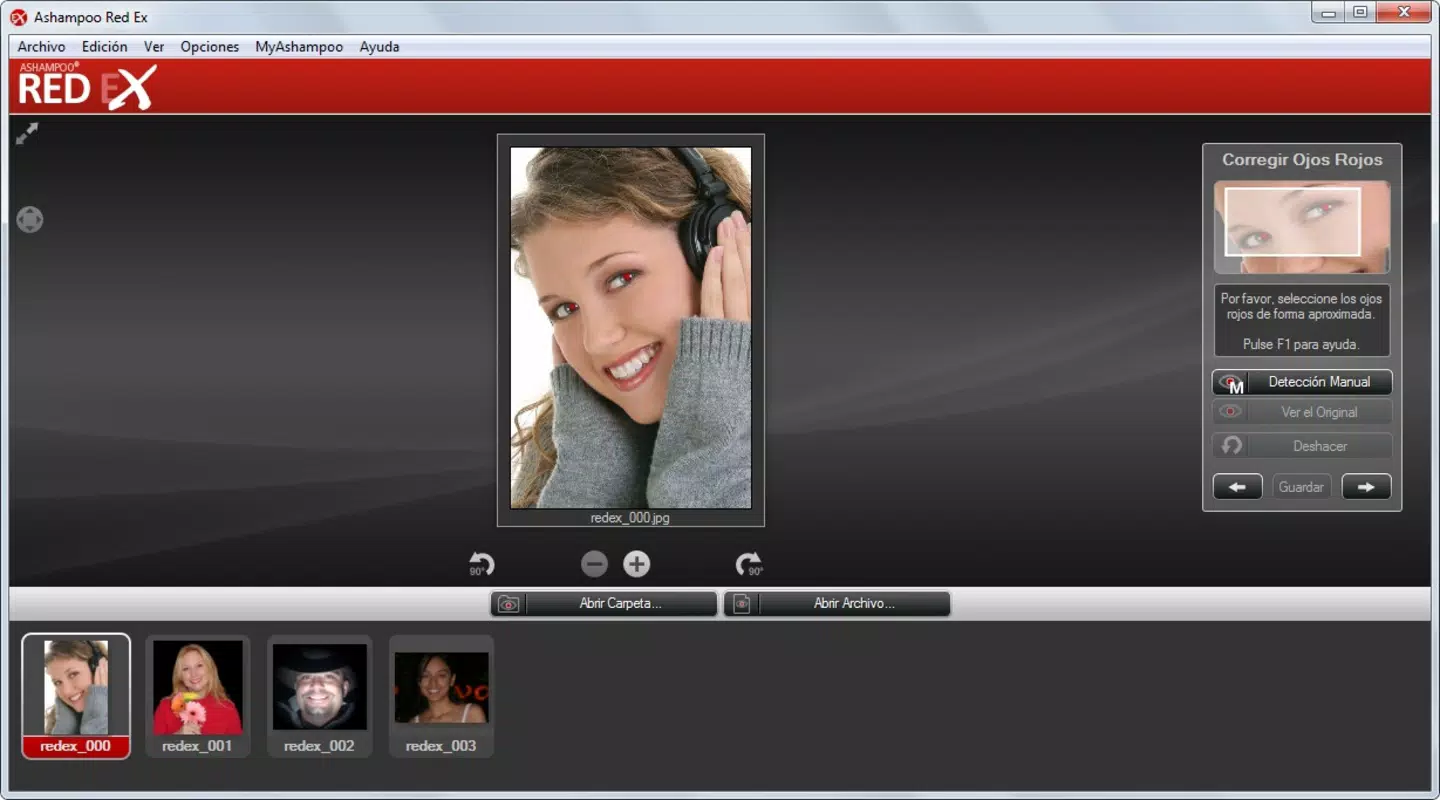
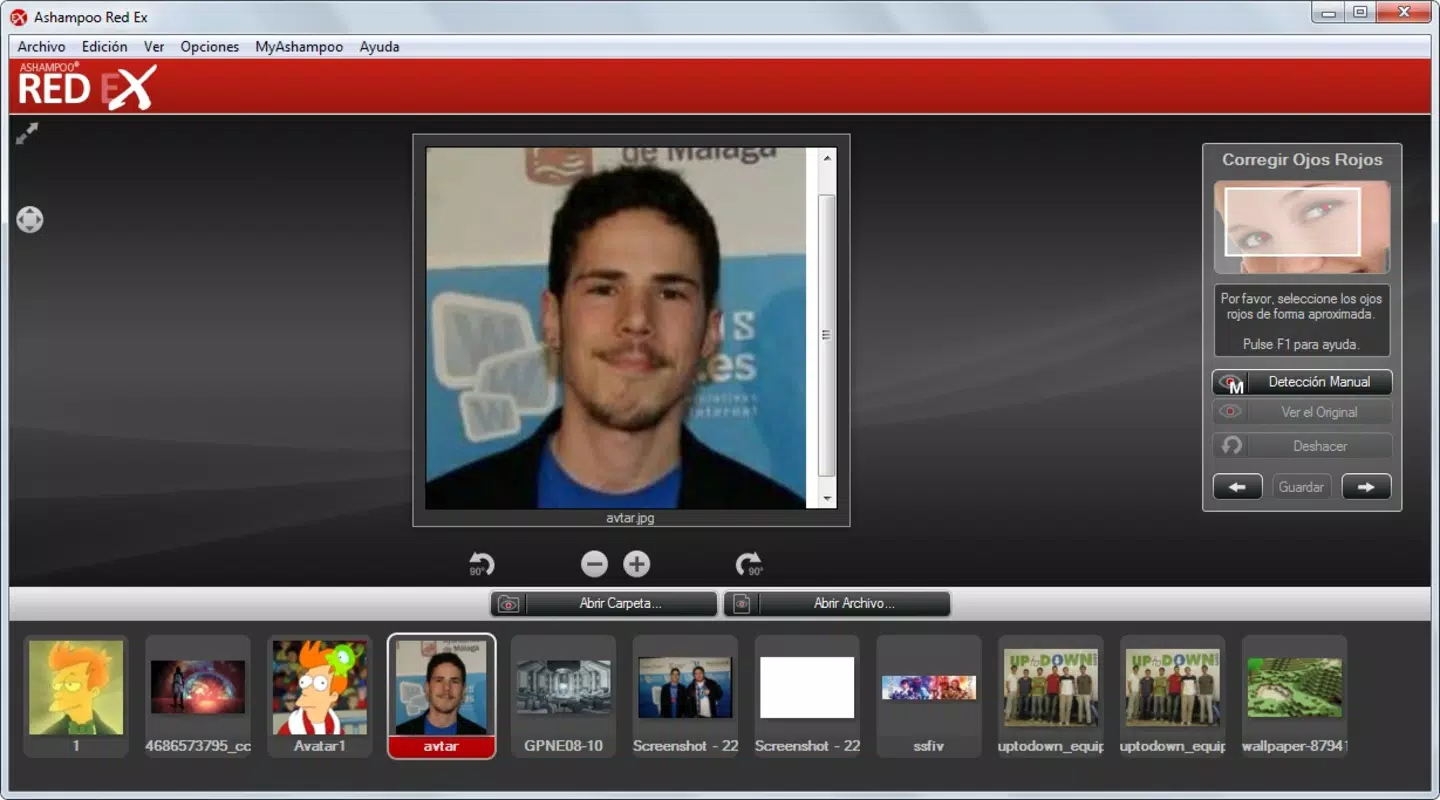
The user interface of Red Ex is minimalistic, focusing on essential functions to reduce cognitive load. The main screen displays the uploaded photo with a simple tool overlay, allowing users to place a rectangle over the red eye area. Navigation is straightforward, relying on touch gestures to select and adjust the correction zone.
Visual style is functional rather than decorative, emphasizing clarity and speed. The absence of cluttered menus or excessive animations contributes to a smooth user experience. The app responds promptly to touch inputs, with no noticeable lag during image processing.
Although the developer did not list formal performance metrics, the app’s lightweight size suggests optimized code and efficient memory usage. It is likely to run smoothly on a range of Android devices, including older models. Responsiveness is consistent across different screen sizes, and the app maintains stability during image processing.
Users can expect a stable experience without crashes or freezes during typical use. The app does not require background processing or internet connectivity, ensuring reliable performance in offline environments. Overall, Red Ex delivers a dependable and efficient editing experience tailored to its core function.
Platform Compatibility & Technical Requirements
Red Ex is available exclusively on the Android platform. The current version is 1.0.0, released on May 25, 2011. The app has a file size of 1.5 MB, making it highly efficient in terms of storage usage.
The developer did not specify minimum OS requirements or device compatibility details. As such, it is unclear whether the app supports modern Android versions or if it is limited to older systems. However, its small size and simple architecture suggest it may still function on a wide range of devices, including those with limited processing power.
Compatibility information was not fully disclosed, so users should exercise caution when installing on newer devices. It is recommended to check device specifications and Android version before attempting installation.
Pros and Cons
Pros
- Simple, intuitive interface suitable for all skill levels
- Fast red eye correction with minimal user input
- High-quality results that preserve natural eye appearance
- Extremely lightweight at only 1.5 MB
- Free to download and use with no in-app purchases
Cons
- Version 1.0.0 is outdated; no recent updates available
- Compatibility with modern Android systems is uncertain
- No advanced editing features beyond red eye removal
- Developer did not provide technical details or support information
- Limited functionality compared to modern photo editing tools
FAQ
Is Red Ex safe to download and install?
Yes, Red Ex is a free mobile app with no known security risks. It does not require internet access or sensitive permissions, making it a secure choice for users seeking basic photo editing tools.
Can I use Red Ex without an internet connection?
Yes, the app functions entirely offline. No data transfer or cloud processing is required, allowing users to edit photos on the go without relying on connectivity.
Does Red Ex support batch processing?
Based on the available information, the app does not support batch processing. Each photo must be edited individually.
Is Red Ex compatible with iOS devices?
Red Ex is currently available only on the Android platform. There is no official version for iOS devices.
How often is Red Ex updated?
The app has not received any updates since its initial release in 2011. The developer has not announced any plans for future updates.
Final Thoughts
Red Ex remains a niche but effective tool for users who need a fast, no-frills solution for red eye removal. Its simplicity, lightweight design, and free access make it a valuable utility for casual photographers and smartphone users who prioritize speed and ease of use. While its outdated version and lack of modern compatibility updates are notable drawbacks, the app continues to serve its intended purpose reliably.
For individuals seeking a straightforward way to enhance flash-induced photos without complexity, Red Ex offers a practical and efficient option. It stands out in the productivity category by focusing on a single, high-impact task with minimal overhead.
Download Red Ex now


